Carousel
A slideshow component for cycling through elements—images or slides of text—like a carousel.
Example
Carousels are displayed as a series of cells

<carousel>
  <carousel-item>
    <image href="..."/>
  </carousel-item>
  <carousel-item>
    <image href="..."/>
  </carousel-item>
  <carousel-item>
    <image href="..."/>
  </carousel-item>
</carousel><ol outputclass="carousel">
<li>
<image href="..." />
</li>
<li>
<image href="..." />
</li>
<li>
<image href="..." />
</li>
</ol>With captions
Add captions by using <fig> elements

<carousel>
  <carousel-item>
    <fig>
      <title>The First Slide</title>
      <image href="..."/>
    </fig>
  </carousel-item>
  <carousel-item>
    <fig>
      <title>The Second Slide</title>
      <image href="..."/>
    </fig>
  </carousel-item>
  <carousel-item>
    <fig>
      <title>The Third Slide</title>
      <image href="..."/>
    </fig>
  </carousel-item>
</carousel><ol outputclass="carousel">
<li>
<fig>
<title>The First Slide</title>
<image href="..." />
</fig>
</li>
<li>
<fig>
<title>The Second Slide</title>
<image href="..." />
</fig>
</li>
<li>
<fig>
<title>The Third Slide</title>
<image href="..." />
</fig>
</li>
</ol>With non-image elements
Place additional DITA elements within a <grid-row> element to add them within a carousel.
Additional structure and spacing can be added by using the <grid-col> element.
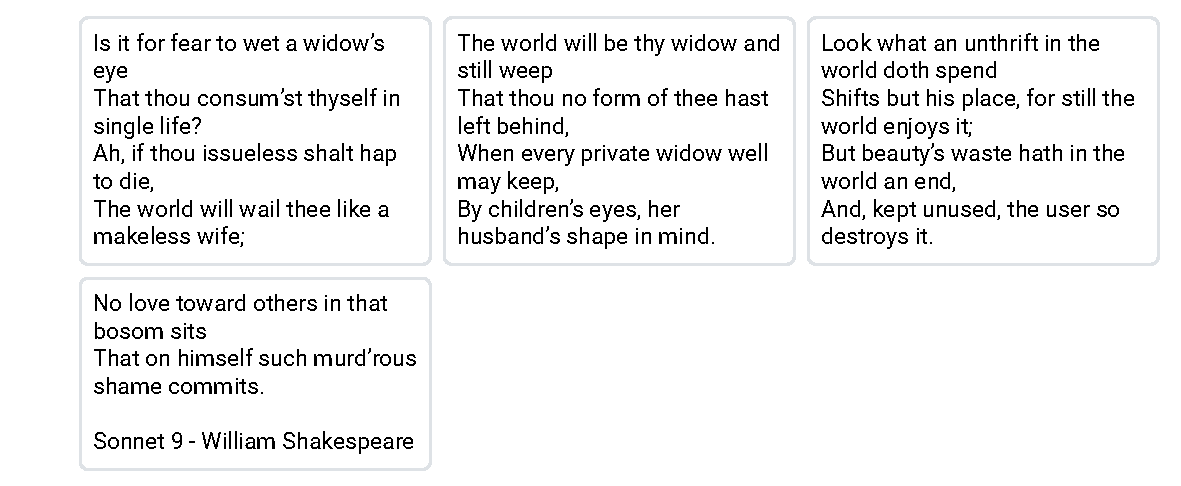
<carousel>
  <carousel-item>
    <grid-row>
      <grid-col colspan="1"/>
      <grid-col colspan="10">
      ...
      </grid-col>
    </grid-row>
  </carousel-item>
  <carousel-item>
    <grid-row>
      <grid-col colspan="1"/>
      <grid-col colspan="10">
      ...
      </grid-col>
    </grid-row>
  </carousel-item>
  <carousel-item>
    <grid-row>
      <grid-col colspan="1"/>
      <grid-col colspan="10">
      ...
      </grid-col>
    </grid-row>
  </carousel-item>
</carousel><ol outputclass="carousel">
<li>
<div outputclass="row">
<div outputclass="col-1"/>
<div outputclass="col-10">
...
</div>
</div>
</li>
<li>
<div outputclass="row">
<div outputclass="col-1"/>
<div outputclass="col-10">
...
</div>
</div>
</li>
<li>
<div outputclass="row">
<div outputclass="col-1"/>
<div outputclass="col-10">
...
</div>
</div>
</li>
</ol>Multiple slides side-by-side
Add multiple <image> elements within each <carousel-item>

<carousel>
  <carousel-item>
    <image href="..."/>
    <image href="..."/>
    <image href="..."/>
  </carousel-item>
  <carousel-item>
    <image href="..."/>
    <image href="..."/>
    <image href="..."/>
  </carousel-item>
  <carousel-item>
    <image href="..."/>
    <image href="..."/>
    <image href="..."/>
  </carousel-item>
</carousel><ol outputclass="carousel">
<li>
<image href="..." />
<image href="..." />
<image href="..." />
</li>
<li>
<image href="..." />
<image href="..." />
<image href="..." />
</li>
<li>
<image href="..." />
<image href="..." />
<image href="..." />
</li>
</ol>Multiple slides with titles
Add multiple <image> elements within each <carousel-item> and include a
<grid-row> element for title texts.
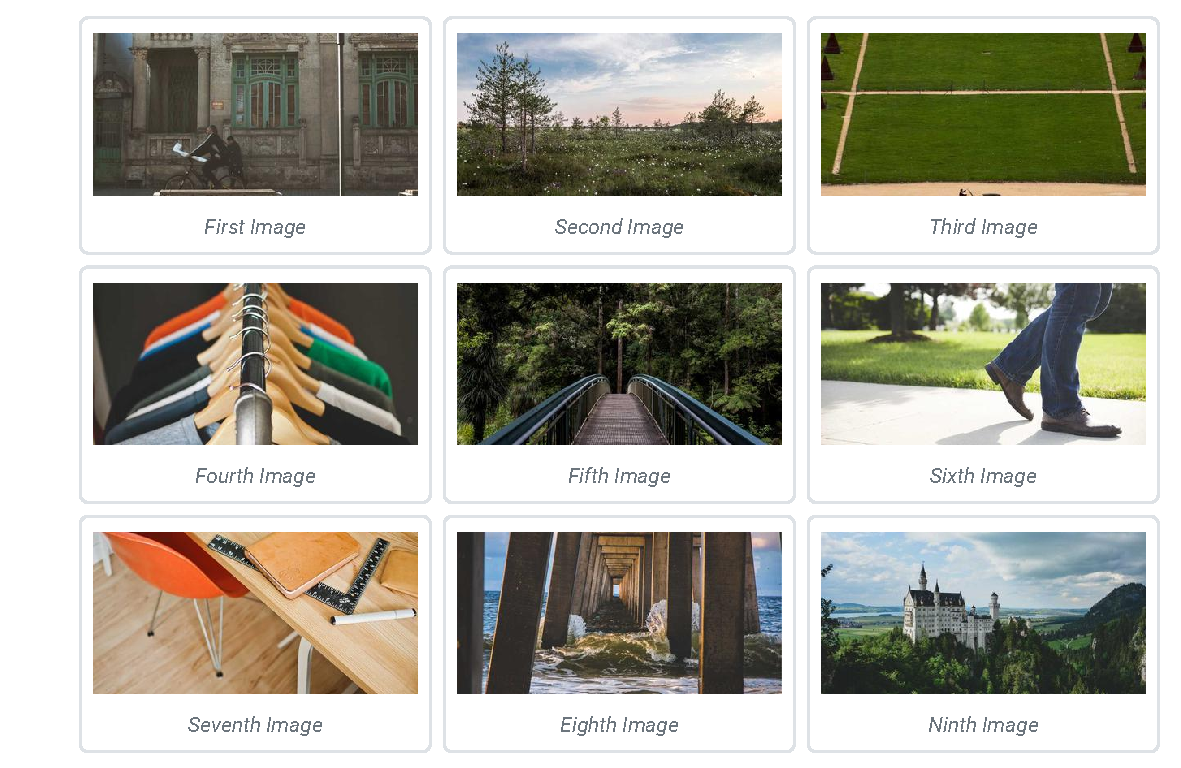
<carousel>
  <carousel-item>
    <image href="..."/>
    <image href="..."/>
    <image href="..."/>
    <grid-row deliveryTarget="html">
      <grid-col colspan="4">
        <p outputclass="text-center">...</p>
      </grid-col>
      <grid-col colspan="4">
        <p outputclass="text-center">...</p>
      </grid-col>
      <grid-col colspan="4">
        <p outputclass="text-center">...</p>
      </grid-col>
    </grid-row>
  </carousel-item>
  ...
</carousel><ol outputclass="carousel">
<li>
<image href="..." />
<image href="..." />
<image href="..." />
</li>
<li>
<image href="..." />
<image href="..." />
<image href="..." />
</li>
<li>
<image href="..." />
<image href="..." />
<image href="..." />
</li>
</ol>