DITA Bootstrap PDF
Two plug-ins for DITA Open Toolkit that extend the default PDF output with a Bootstrap 5.3 templating and components.
Installing
Use the dita command to add the plug-ins to your DITA Open Toolkit installation:
-
Optional: install the specialization plug-in to add support for new DITA elements that generate Bootstrap components:
dita install org.dita-bootstrap.dtd -
For PDF generation, install the PDF plug-in, and the PDF theme plug-in as shown:
dita install org.dita-bootstrap.pdf dita install org.dita-bootstrap.pdf.theme -
To add syntax highlighting using the Bootstrap color scheme, install the Prism.js plug-in if required:
dita install fox.jason.prismjs
-
Optional: install the specialization plug-in to add support for new DITA elements that generate Bootstrap components:
dita --install org.dita-bootstrap.dtd -
For PDF generation, install the PDF plug-in, and add the PDF theme plug-in as shown:
dita --install org.dita-bootstrap.pdf dita --install org.dita-bootstrap.pdf.theme -
To add syntax highlighting using the bootstrap color scheme, install the Prism.js plug-in if required:
dita --install fox.jason.prismjs
-
Optional: install the specialization plug-in to add support for new DITA elements that generate Bootstrap components:
dita --install https://github.com/dita-bootstrap/dita-bootstrap.dtd/archive/develop.zip -
For PDF generation, install the PDF plug-in, and add the PDF theme plug-in as shown:
dita --install https://github.com/dita-bootstrap/dita-bootstrap.pdf/archive/master.zip dita --install https://github.com/dita-bootstrap/dita-bootstrap.pdf.theme/archive/master.zip -
To add syntax highlighting using the bootstrap color scheme, install the Prism.js plug-in if required:
dita --install https://github.com/jason-fox/fox.jason.prismjs/archive/master.zip
Using
Specify the pdf-bootstrap format when building output with the dita command:
dita --input=path/to/your.ditamap --format=pdf-bootstrapIf using DITA-Bootstrap specialization, ensure that the *.dita files are using the following DOCTYPE declaration:
<!DOCTYPE topic PUBLIC "-//DITA Bootstrap//DTD DITA Bootstrap Topic//EN" "bootstrap-topic.dtd">Bootswatch themes
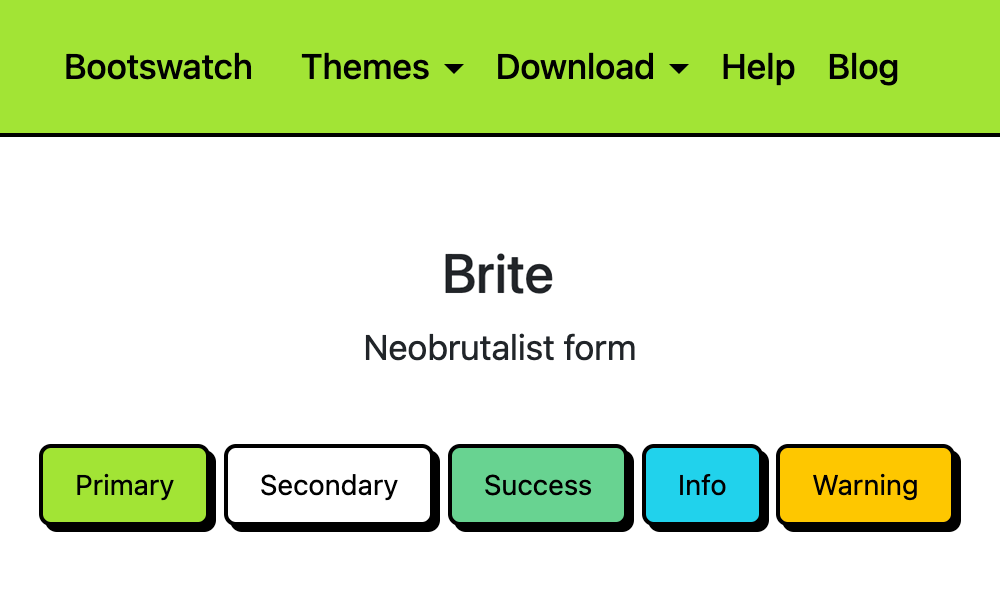
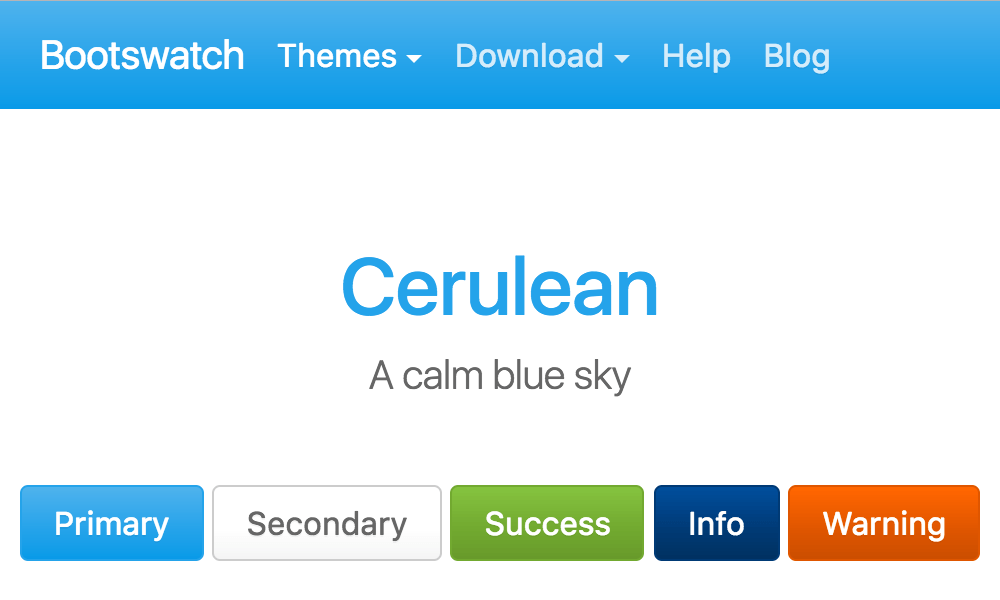
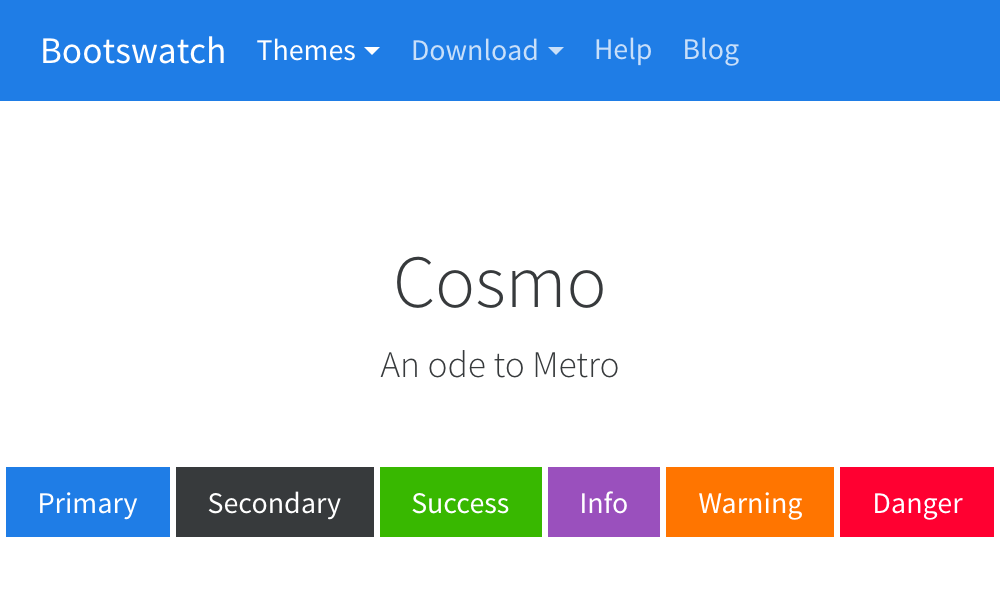
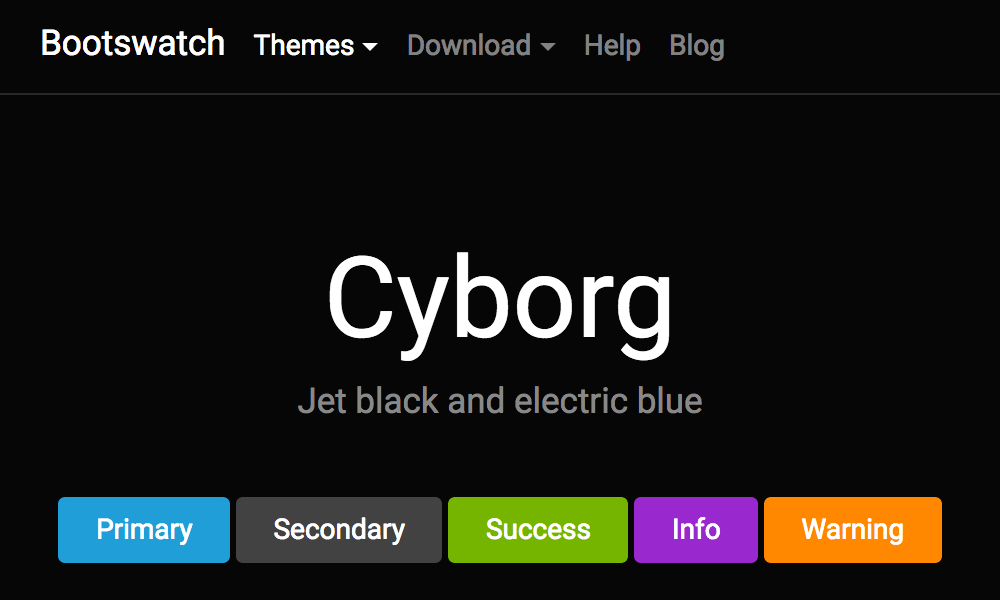
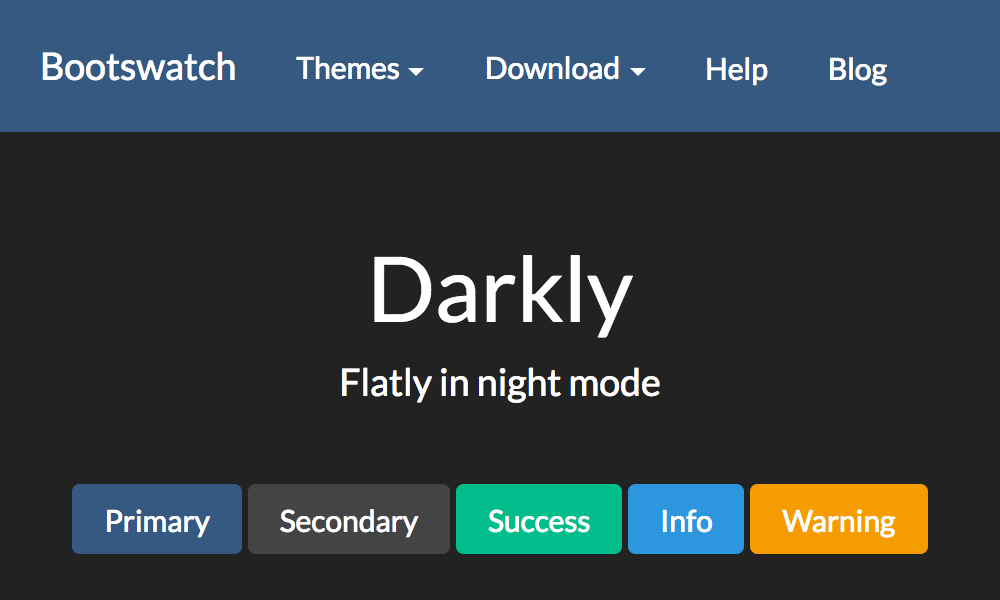
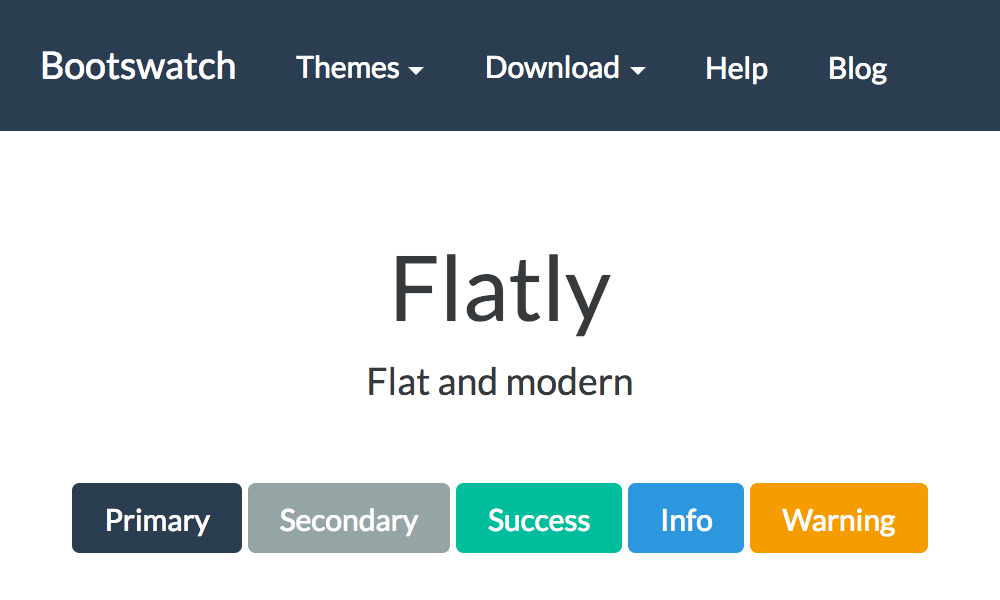
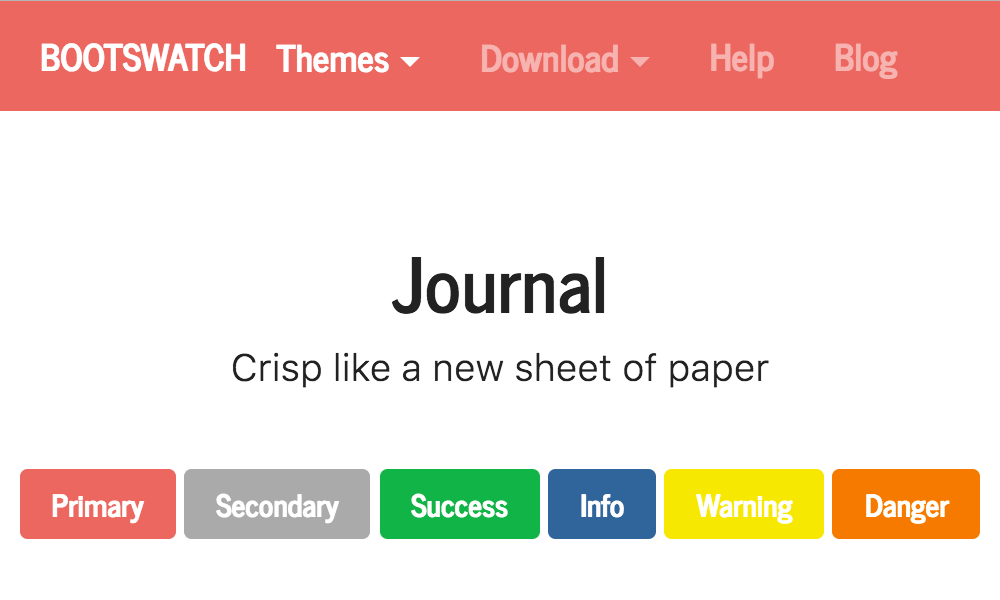
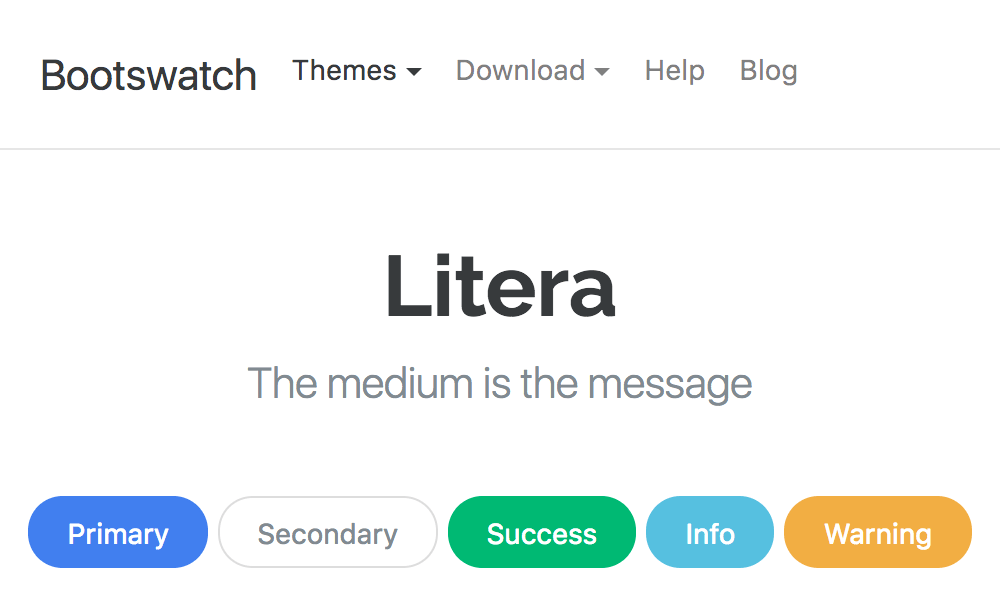
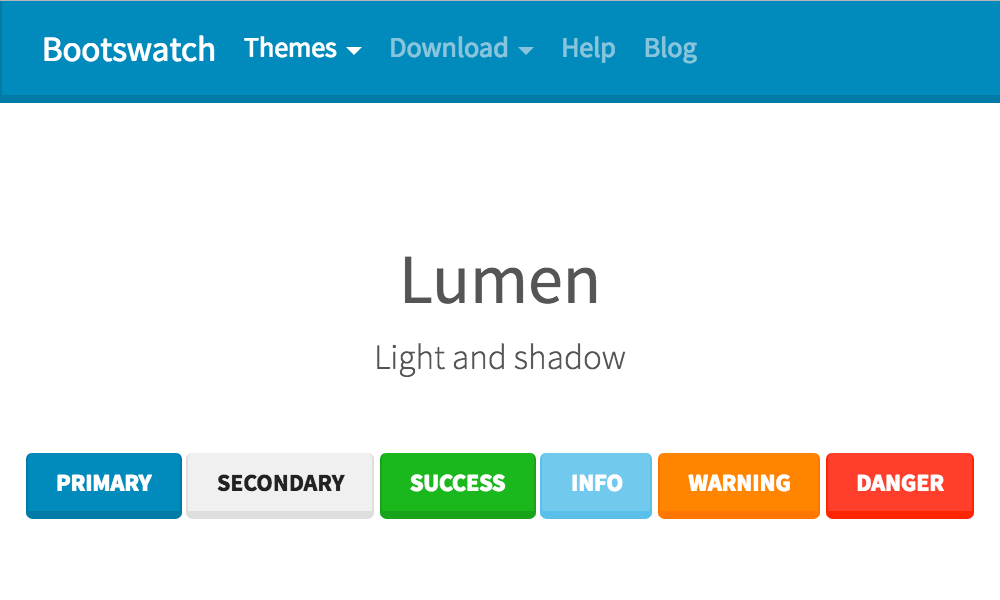
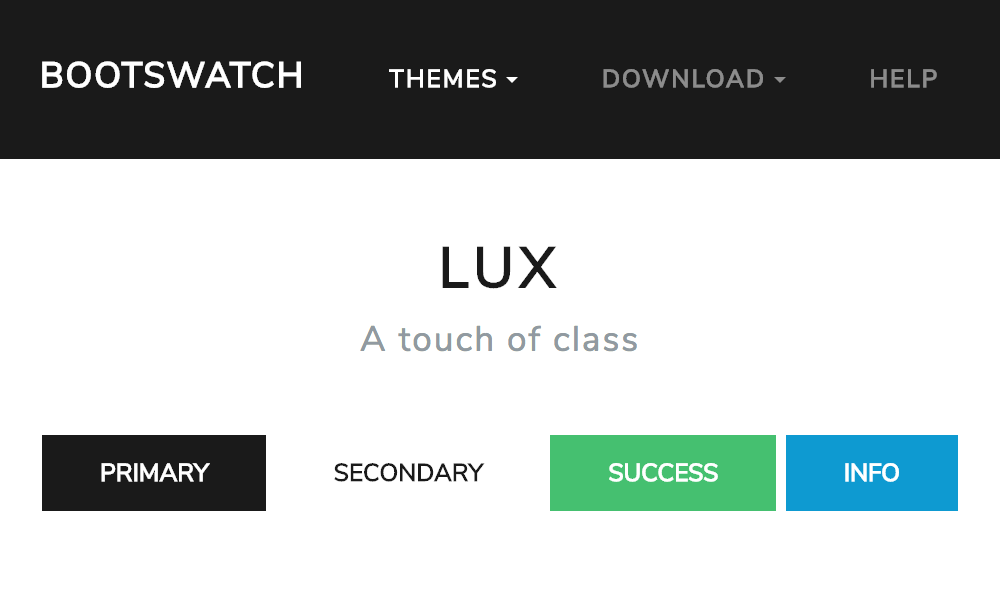
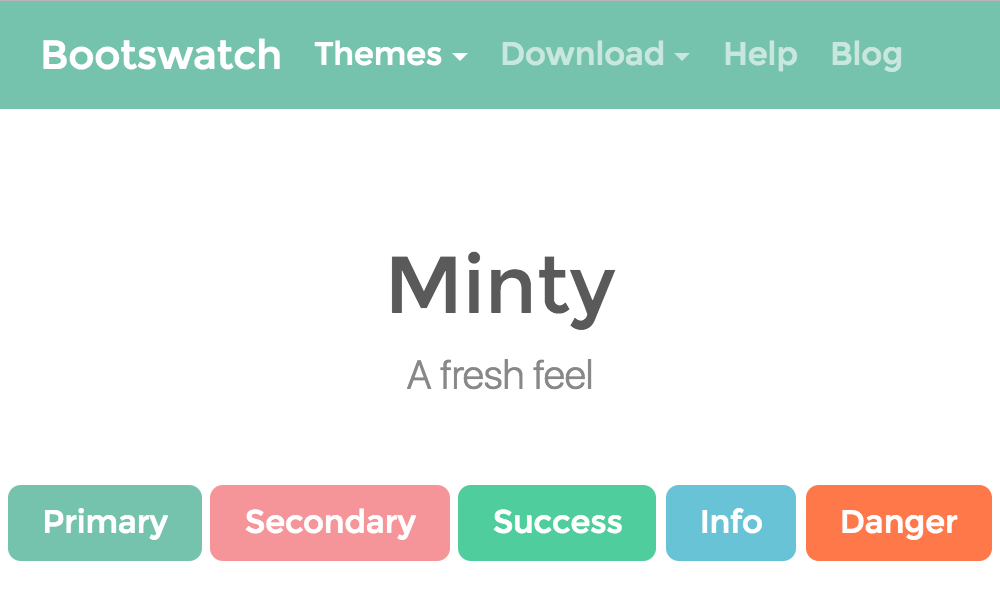
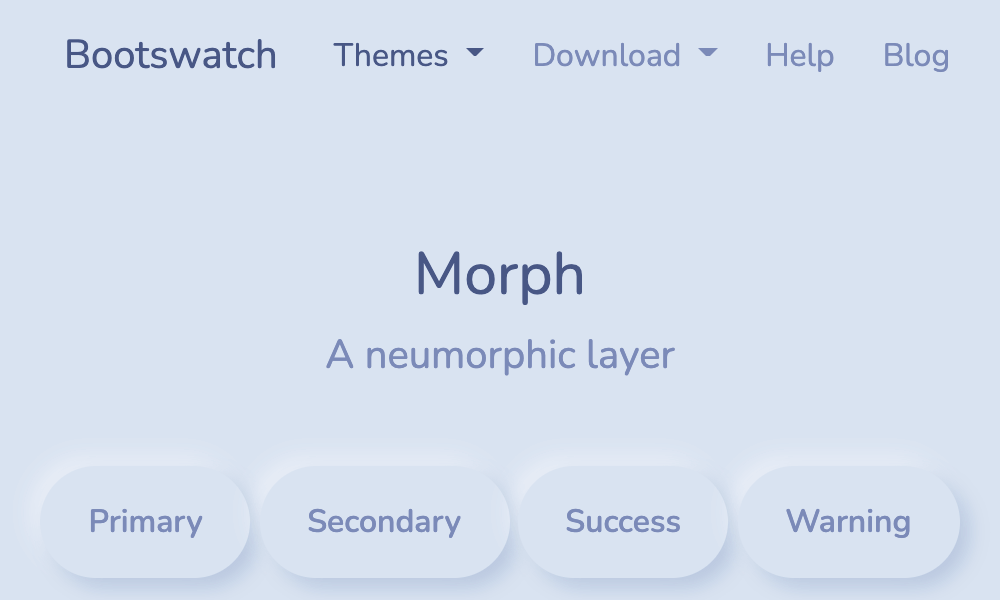
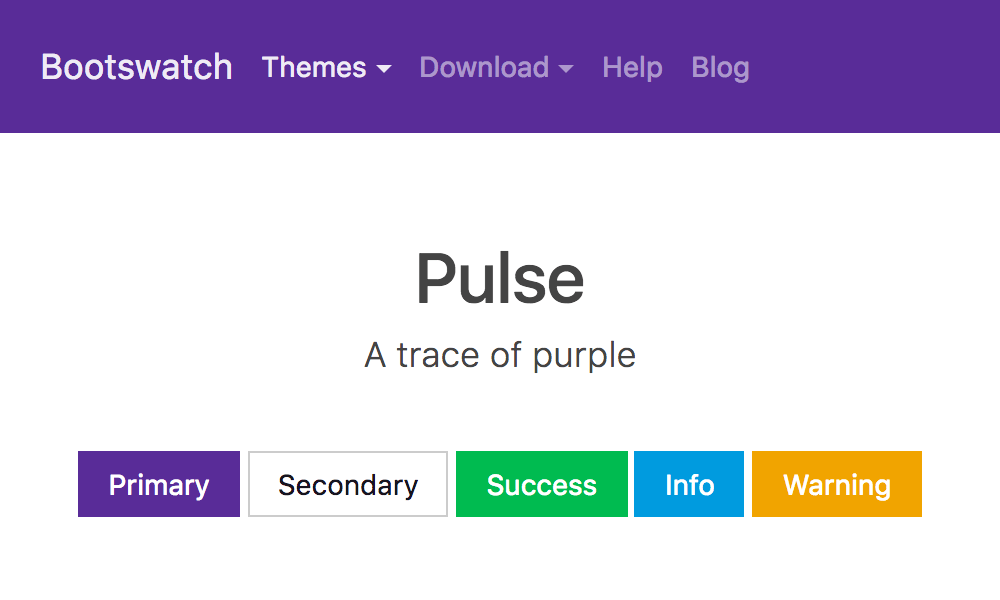
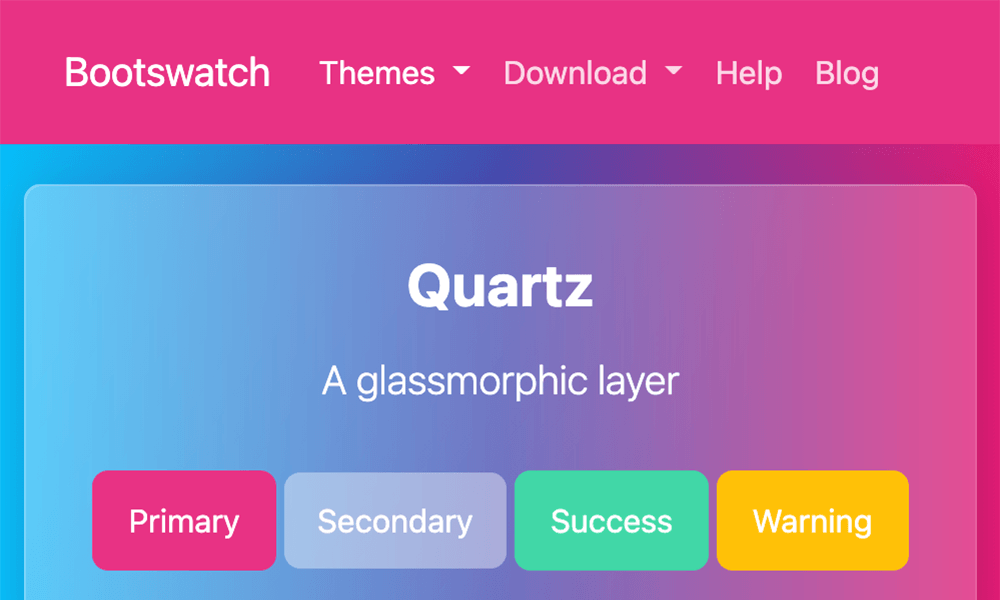
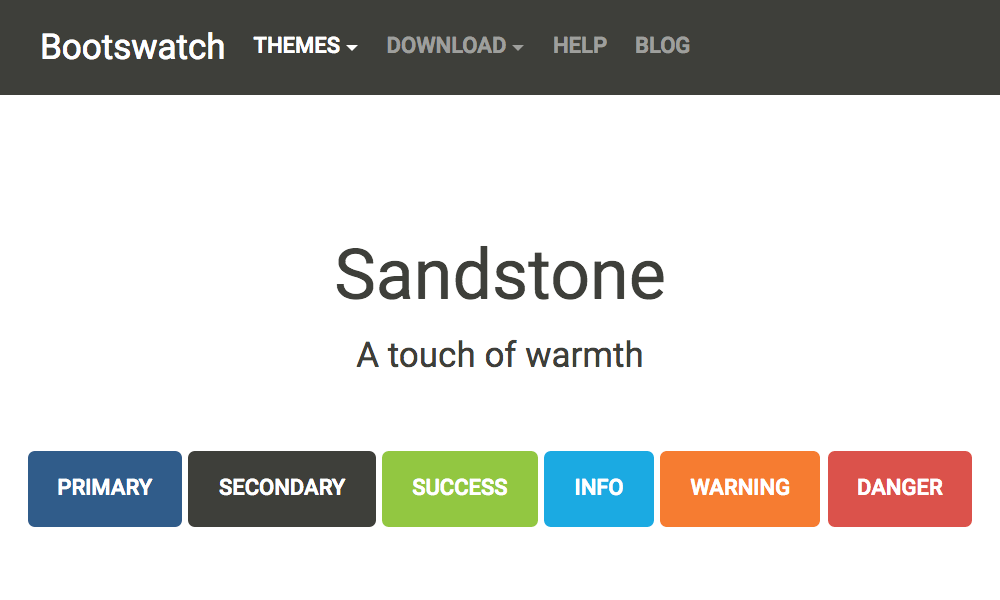
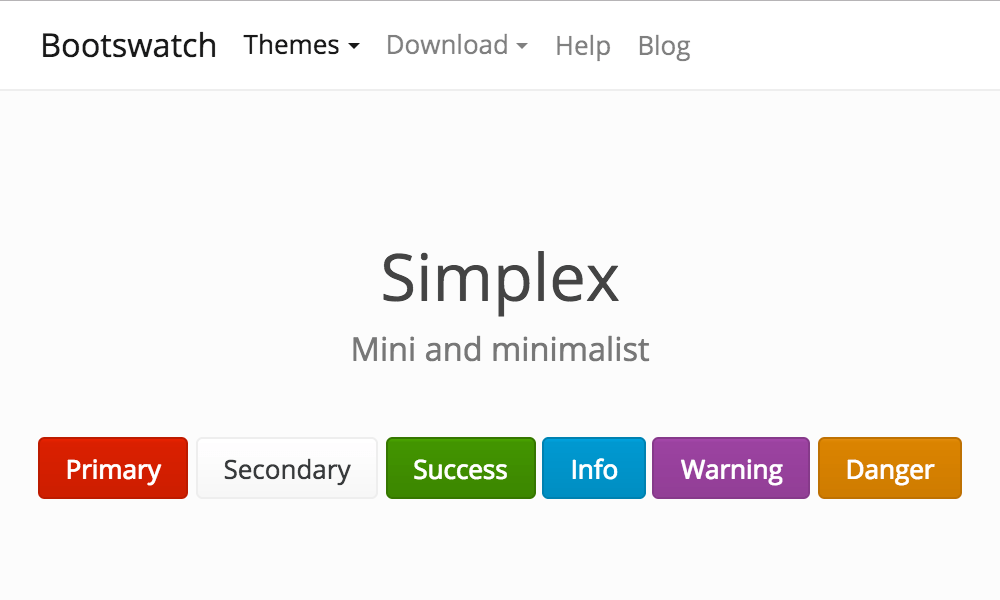
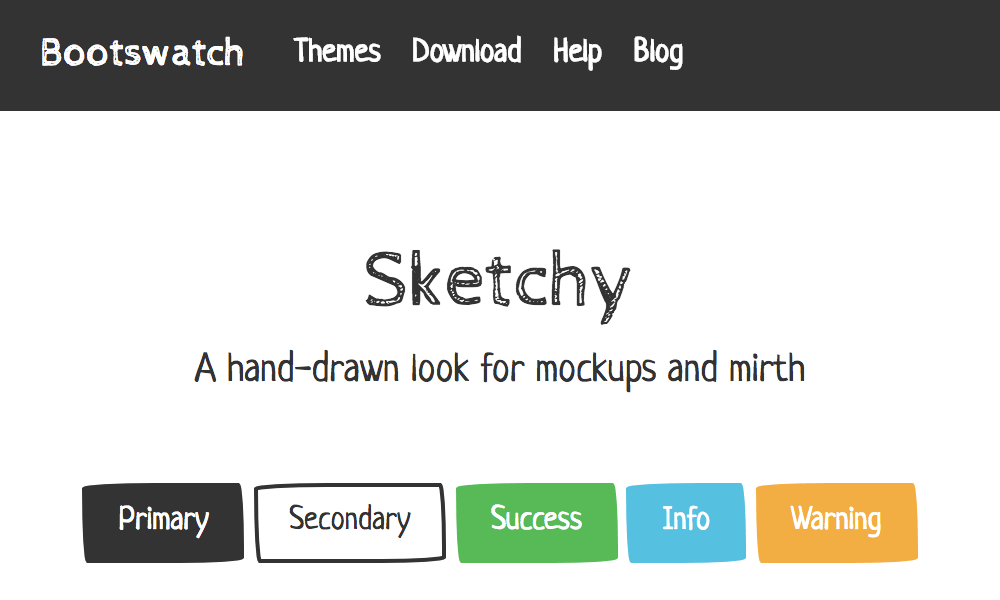
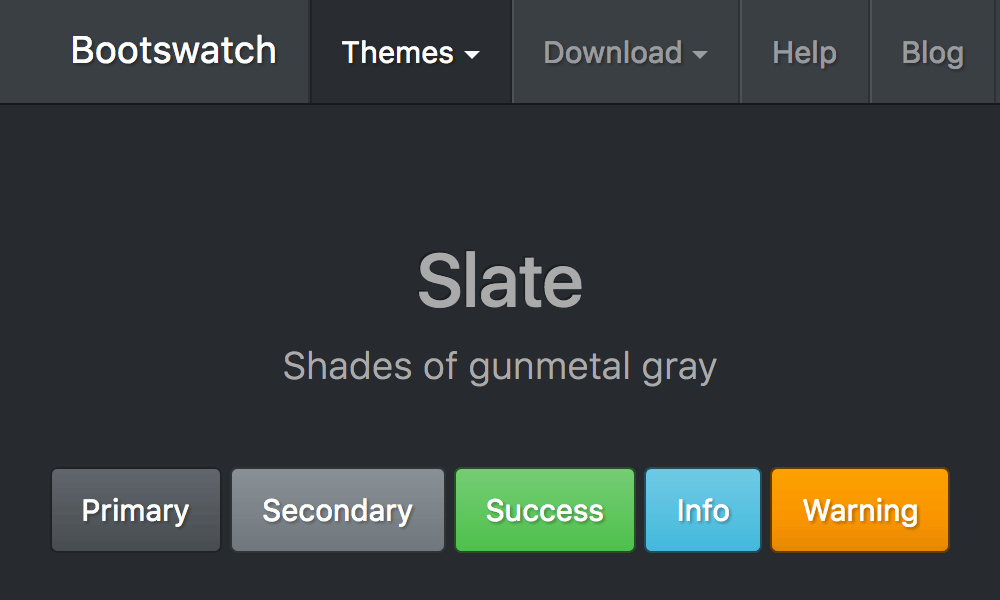
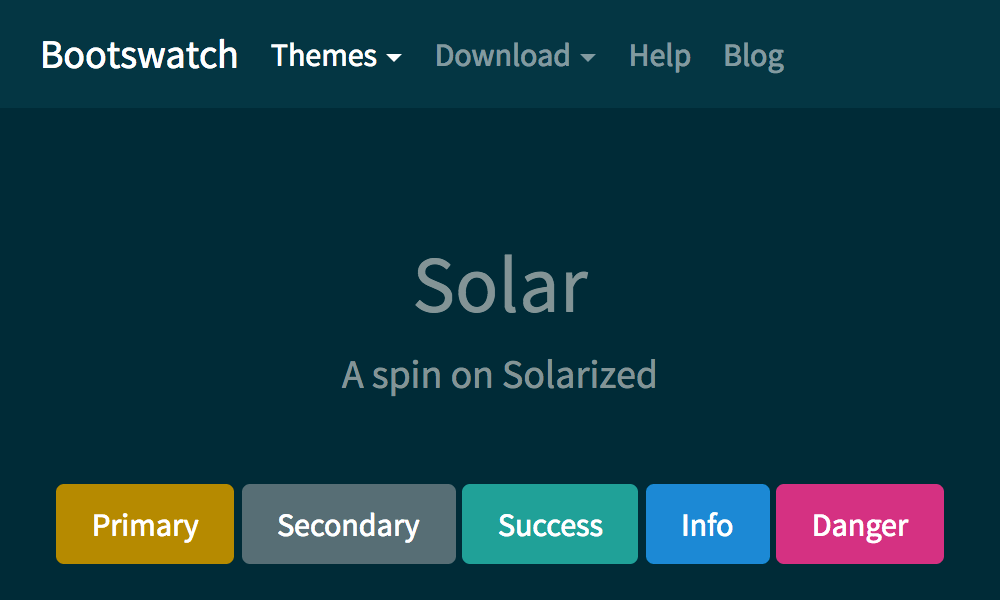
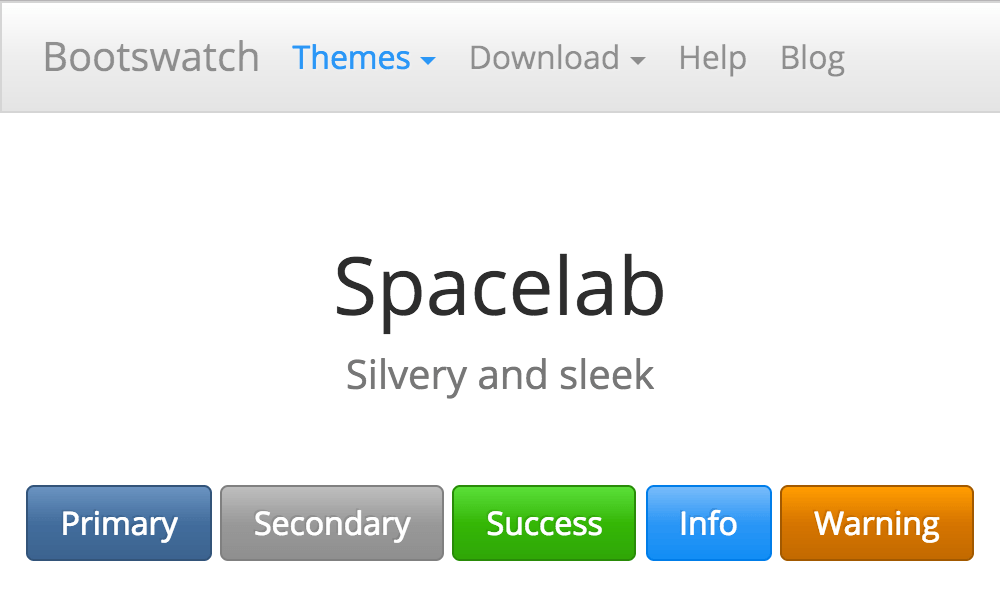
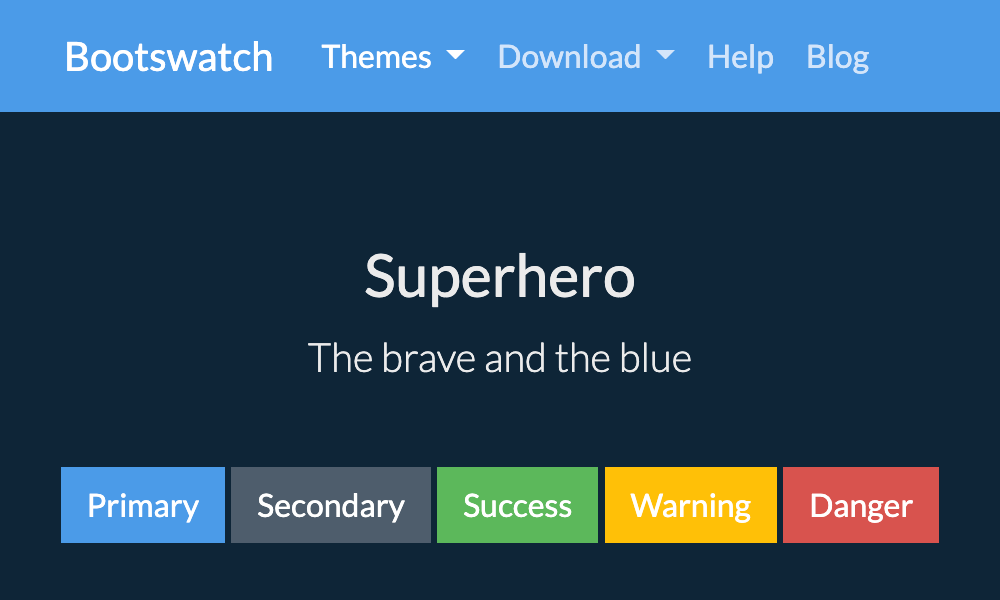
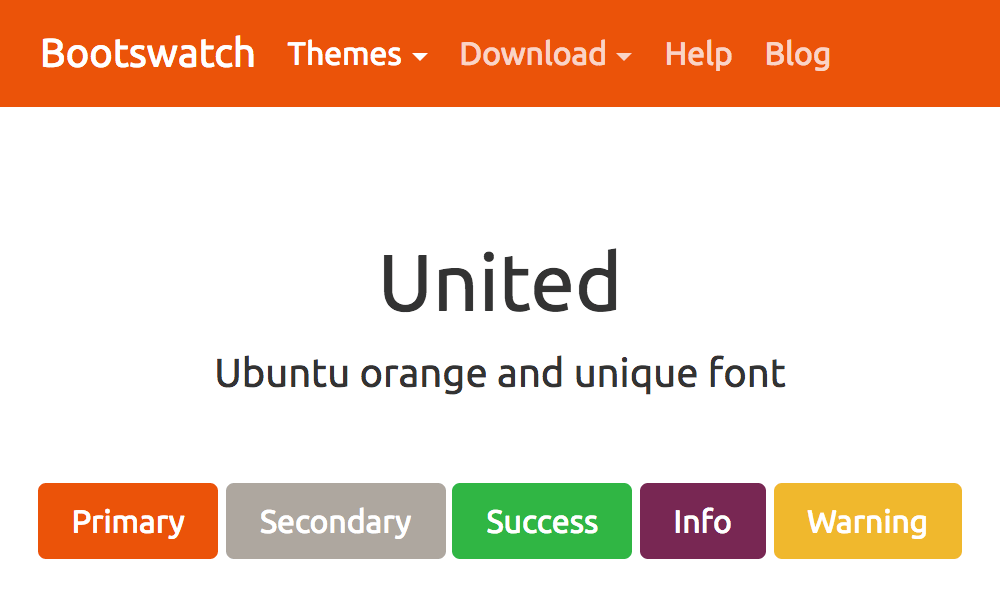
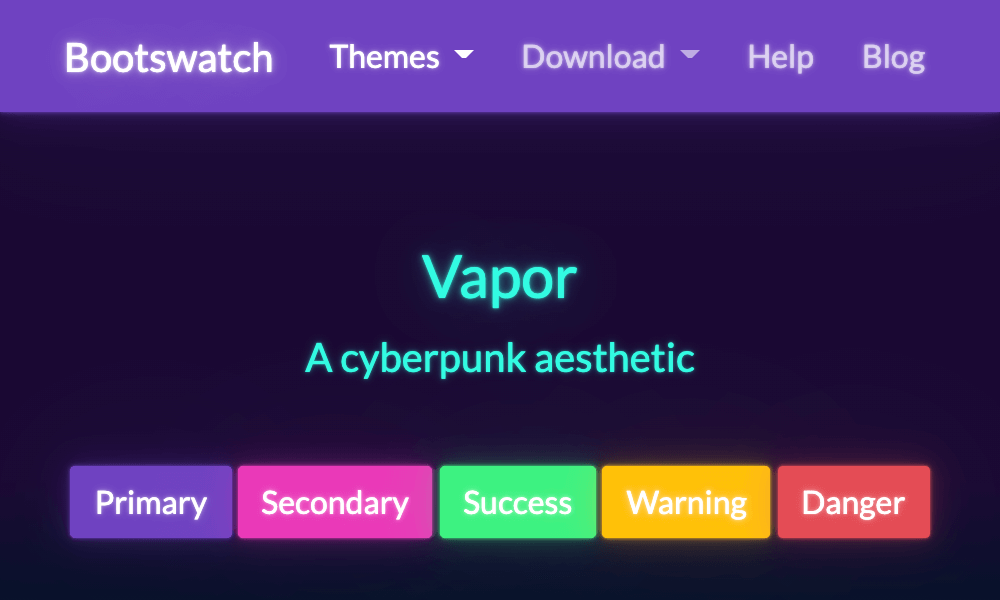
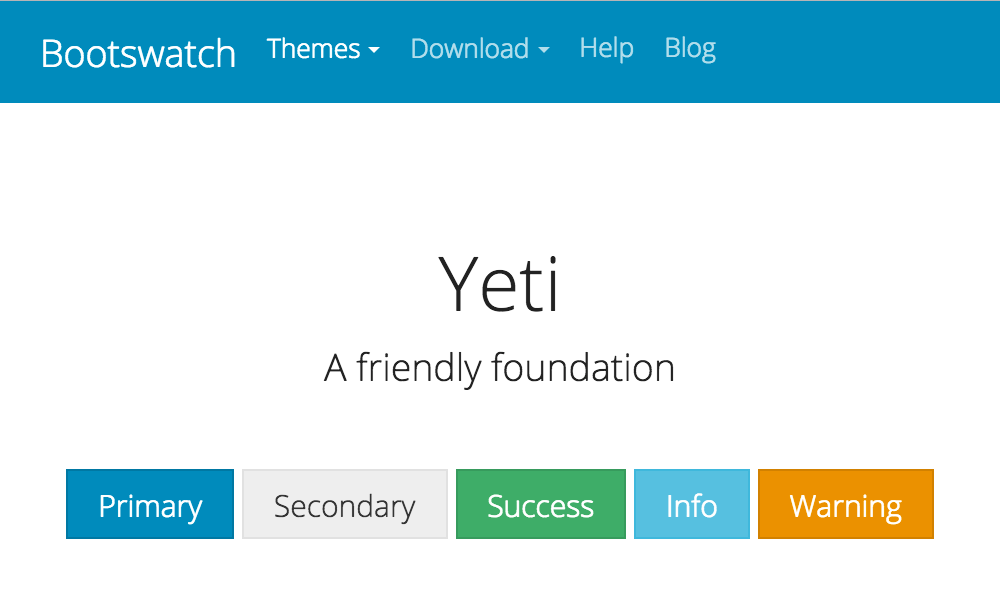
PDFs can be generated to align with the themes Bootstrap themes available at Bootswatch. To override the default appearance with a Bootswatch theme, pass a theme name to the dita command via the --bootstrap.theme parameter:
dita --input=path/to/your.ditamap \
     --format=pdf-bootstrap \
     --bootstrap.theme=<theme-name>
Parameters
- --bootstrap.theme
- Defines the style of the PDF - default applies default Bootstrap styling.